
The After-Hours Intake Checklist for Immigration Law Firms
A concise checklist for deciding what your after-hours receptionist should collect, escalate, schedule, and leave for attorney review.
Define the outcome first
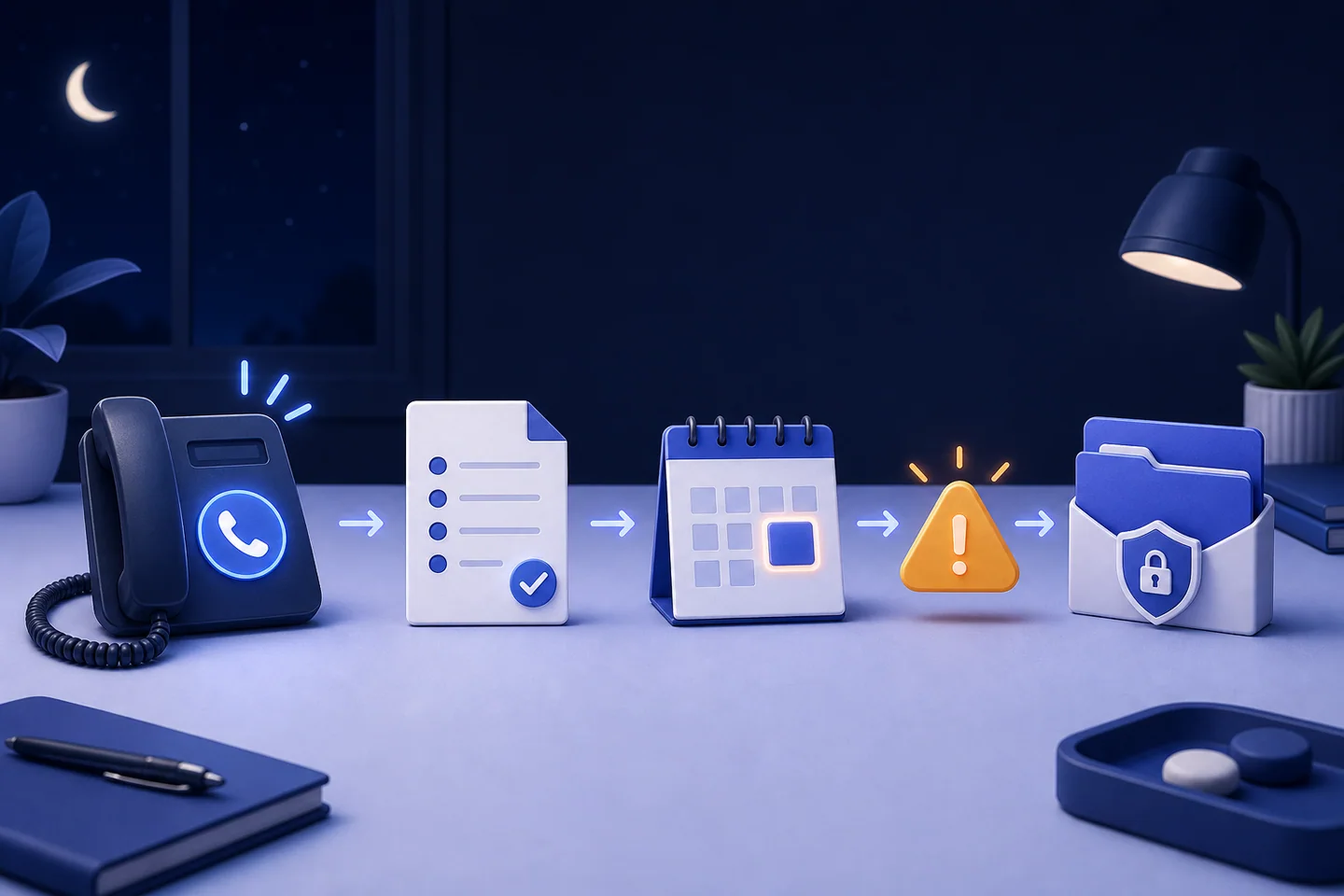
After-hours intake should produce a clear next step by the time the office opens: an urgent human alert, a booked consultation, a complete callback record, or a documented non-prospect call. If the workflow produces only a long transcript, staff still have to rebuild the intake manually.
Use this checklist to define the process before choosing a receptionist or voice platform.
Opening and disclosure
- Greet the caller using the firm's approved name.
- State clearly when the caller is speaking with an automated assistant.
- Explain that the assistant can collect information and arrange the next step but cannot provide legal advice.
- Ask for the caller's preferred language.
Contact information
- Full name, repeated back for confirmation.
- Safe callback number.
- Email address when appropriate.
- Preferred contact method and safe time to respond.
- Names of other people directly involved, when the firm's approved script requires them.
Reason for the call
Use open language first: ask what prompted the call today. Then collect only the structured fields the firm has approved. Do not let the receptionist classify a legal issue beyond the categories defined by the firm.
Urgent-path rules
The firm—not the software vendor—should define the words and situations that trigger an immediate alert. The workflow should specify who receives the alert, how long the system waits, and what happens if the first person does not respond.
Test the urgent path outside business hours before launch. A rule written in a dashboard is not useful until someone confirms the alert reaches the correct phone.
Scheduling rules
- Which appointment types may be booked automatically?
- How much time should each consultation receive?
- Which calls require staff review before scheduling?
- What information must appear in the calendar event?
- What confirmation should the caller receive?
Morning handoff
Every intake summary should make the next action obvious. Include the original call time, contact details, preferred language, short factual summary, urgency label, scheduled appointment, and a link to the transcript or recording when retained.
Assign one person to review the queue at opening. Automation without ownership simply creates a new inbox.
Quality review during the first month
Review calls frequently during the pilot. Look for misspelled names, incorrect dates, weak summaries, unnecessary questions, false urgency alerts, missed handoffs, and callers who repeat themselves. Change the script based on real calls, then test again.
A dependable after-hours system is a maintained operating process, not a one-time installation.
Further reading
Source: Clio, immigration law software and intake workflows — https://www.clio.com/practice-types/immigration-law-software/
Common questions
Frequently asked questions
What should an after-hours legal intake service collect?
It should collect the caller's confirmed name, safe callback details, preferred language, reason for calling, and only the structured fields approved by the firm. The final summary should identify the next action: an urgent alert, booked consultation, callback record, or documented non-prospect call.
Which immigration calls need immediate escalation?
The law firm must define its own urgent path. Common triggers for immediate human review may include detention, removal proceedings, a hearing or filing deadline, threats, or immediate safety concerns. Test the alert chain after hours and define what happens when the first person does not respond.
How should the morning handoff work after an overnight call?
Each summary should show the call time, contact details, preferred language, short factual account, urgency label, appointment status, and any retained transcript or recording link. Assign one person to review the queue when the office opens so automation produces action instead of another unattended inbox.